Keep your mobiles up and running
O2 is upgrading its network as part of a nationwide rollout of newer technologies. These improvements will enhance speed, coverage, and call quality - but devices with outdated settings may soon stop working as expected.
If your settings aren’t up to date, you could lose access to essential services like data, calls, and texts.
The fix is quick and easy, just follow our simple guide below – it takes less than 2 minutes!

What you’ll gain:
5G*
Lightning-fast speeds for smooth streaming and downloads.
*Standalone 5G requires a compatible 5G handset and SIM.
Roaming
Seamless mobile access abroad with calls, texts, and data.
MMS
Full support for sending and receiving MMS.
Wi-Fi & 4G Calling
*Standalone 5G requires a compatible 5G handset and SIM.
What you could lose:
Calls
Unable to make or receive voice calls.
Texts
SMS messages may fail to send or be received.
Mobile Data
Internet access may stop working.
Network Features
Loss of advanced services like VoLTE and Wi-Fi Calling.
Update your settings
Follow the simple steps for your device below to ensure you stay fully connected:

iOS

Android
Can’t find your device?
If your operating system is not listed, you can update your settings manually as follows:
Step 01
Go to your Settings
Step 02
Locate your Access Point Names (sometimes called Mobile Data Network or APN) Go to your Settings
Step 03
Edit the existing settings with the following details:
Step 04
Save & Restart your device
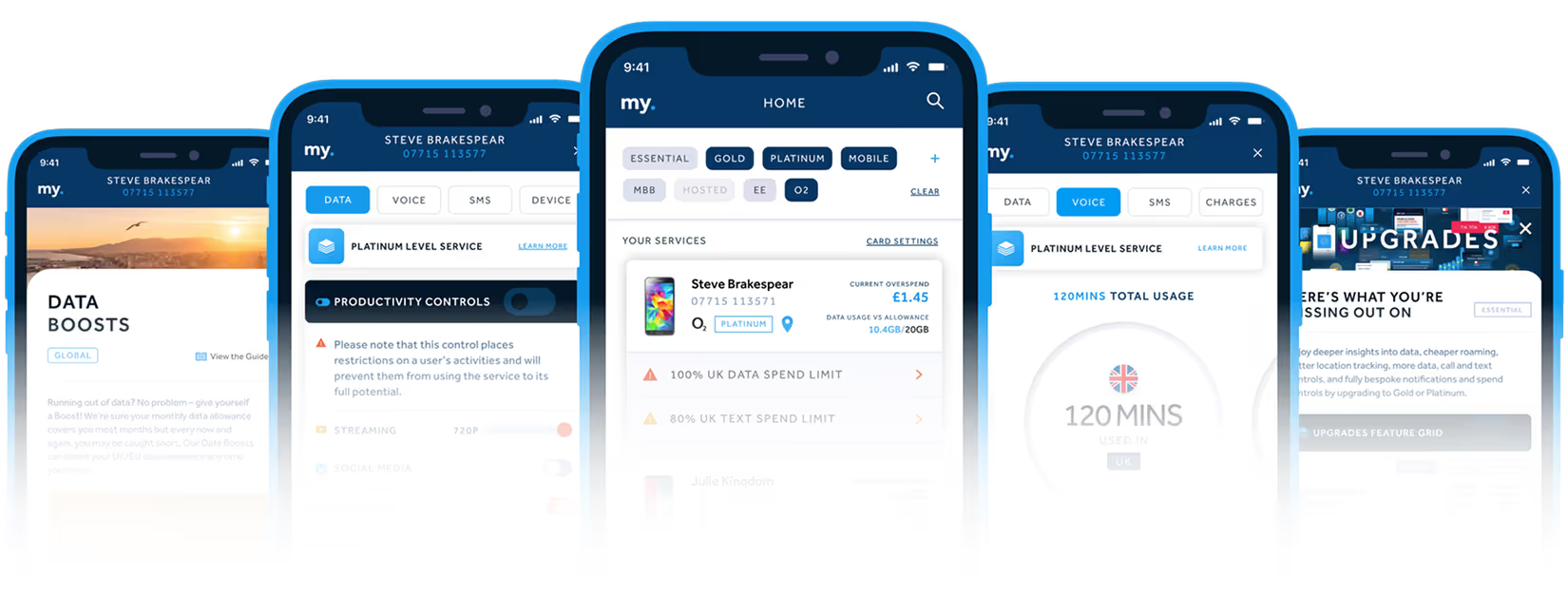
Discover my.plan
As a plan.com customer you will have exclusive access to my.plan, the ultimate connectivity platform.
Combining cutting-edge technology with an easy-to-use interface, my.plan gives you instant access to your account, and live insight into all your connections.
The power is in your hands.
The app that brings together everything you need to manage your business mobiles.